Automation concept01
New order#1042
Ready to fulfil
Payment received · 2 items
Shipping label
OrderPrepareShip
Online stores
An order that keeps moving.
From purchase to delivery, with fewer manual handoffs.
AI entrepreneur — focused on finding the work that should move faster.
I look for operational friction inside real businesses, then turn it into practical AI workflows that create clarity, capacity, and a better next step.
Eachprojectbeginswithabusinessfriction,thenturnsitintoaworkingAI,automation,orRPAsystem.
Your workflow
I’ll turn repetitive work into automation, so you can get more done in less time.
01 / 03Understand & create
LLMs
Language models turn messages, documents, and questions into useful answers and structured information. I can connect the right model to your workflow, with clear instructions and human review where it matters.
One inquiry, three tools · 01
A new inquiry arrives. AI identifies what the customer needs and prepares a reply for review.
For development, assistants such as Codex, Claude, and Antigravity help me build and connect the solution.
Orbiting development assistants: Codex for AI-assisted coding and implementation; Antigravity for agent-assisted development and integrations; Claude for reasoning, drafting, and code assistance.
Hover or tap an orbiting assistant to explore.
From a message to a clear next step.
02 / 03Connect & act
n8n
n8n connects your apps and coordinates the steps between them. I can use it to receive an event, call an AI model, route the result, and trigger the next action through APIs and webhooks.
These apps are examples of what I can connect. The integrations are chosen around your existing tools and the process your business needs.
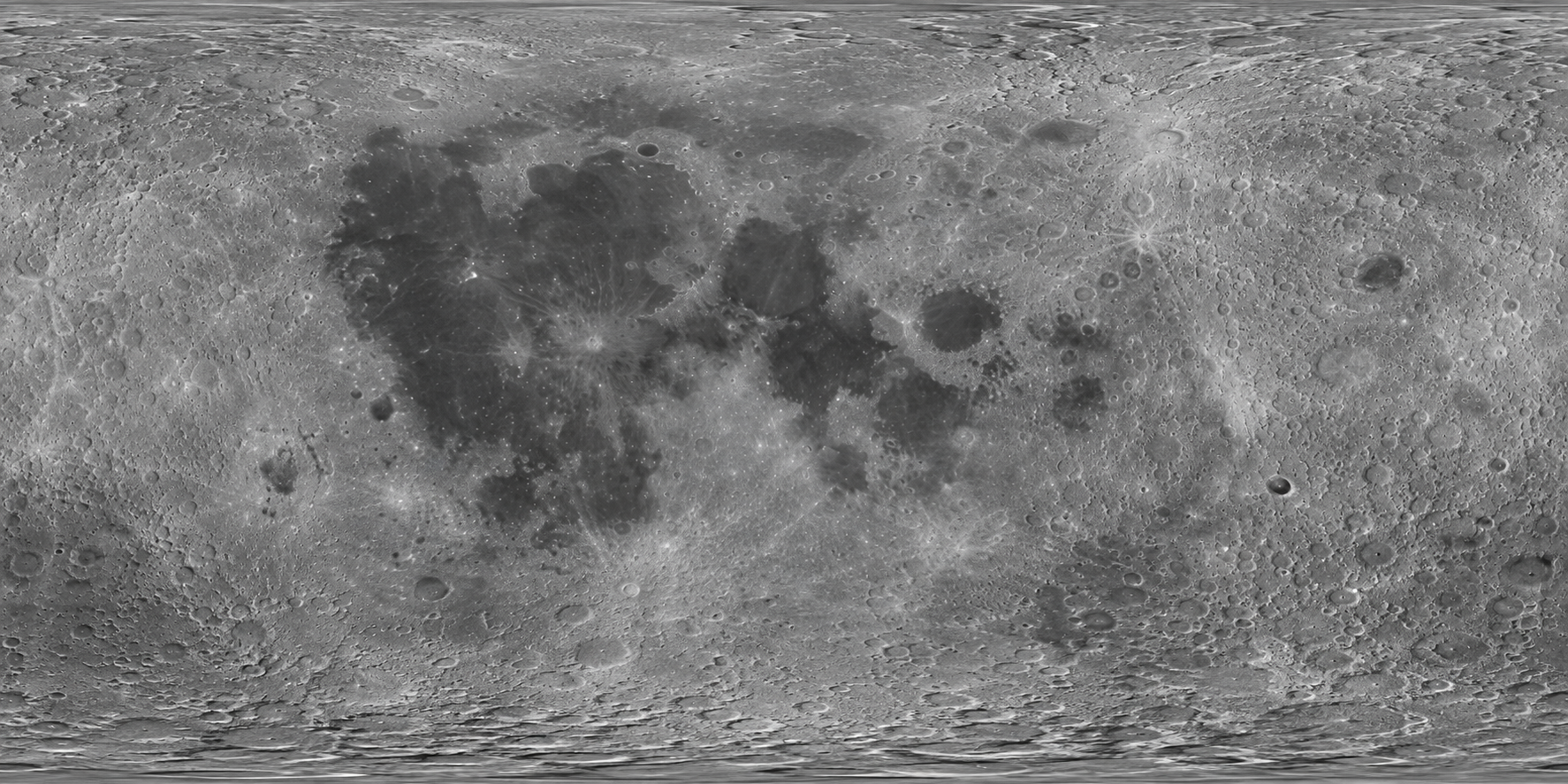
Orbiting workflow platform: n8n connects apps and coordinates your workflow, step by step. Only n8n orbits the moon. A constellation shows an example workflow using Gmail, Google Sheets, HubSpot, and Slack.
Follow the connection to see an example workflow.
From separate apps to one connected workflow.
 1
1Gmail
An inquiry arrives
A new customer message starts the workflow.
 2
2Google Sheets
Record the inquiry
Save the details in a shared tracking sheet.
 3
3HubSpot
Update the contact
Keep the CRM ready for the next follow-up.
 4
4Slack
Notify the team
Let the right person know what needs attention.
03 / 03Data & backend
Supabase
Keep customer records, workflow history, and files organized and available to your app and automations. With Supabase, I can use PostgreSQL for the database, add user sign-in and file storage, and show live updates when your workflow needs them.
One inquiry, three tools · 03
The inquiry, its status, and the approved reply are saved together, ready for follow-up or a dashboard.
The database is chosen around your application and existing systems. Access rules define who can read or update each record.
Supabase is the main orbiting platform. The four smaller icons represent PostgreSQL for records and workflow history; Deno for custom logic and webhooks through Edge Functions; PostgREST for the REST API; and GraphQL for querying related data. These technologies are used according to the application.
Explore PostgreSQL, Deno, PostgREST, and GraphQL in the orbit.
From a one-off action to a trackable process.
Your time
Automate the routine, so you can focus on the work that needs you.
Directanswerstothequestionsinyourbrief,groundedintheworkIhavebuiltandhowIapproachautomation.
Different businesses. New possibilities. A few illustrative ideas for what we could build together.
Online stores
From purchase to delivery, with fewer manual handoffs.
Agencies & services
A smooth welcome, with the setup already taken care of.
Retail & operations
Spot shortages early and prepare the next replenishment.
Explore the work
Open each live system and explore the workflow behind it.
Your workflow
I’ll turn repetitive work into automation, so you can get more done in less time.
01 / 03Understand & create
LLMs
Language models turn messages, documents, and questions into useful answers and structured information. I can connect the right model to your workflow, with clear instructions and human review where it matters.
One inquiry, three tools · 01
A new inquiry arrives. AI identifies what the customer needs and prepares a reply for review.
For development, assistants such as Codex, Claude, and Antigravity help me build and connect the solution.
Orbiting development assistants: Codex for AI-assisted coding and implementation; Antigravity for agent-assisted development and integrations; Claude for reasoning, drafting, and code assistance.
Hover or tap an orbiting assistant to explore.
From a message to a clear next step.
02 / 03Connect & act
n8n
n8n connects your apps and coordinates the steps between them. I can use it to receive an event, call an AI model, route the result, and trigger the next action through APIs and webhooks.
These apps are examples of what I can connect. The integrations are chosen around your existing tools and the process your business needs.
Orbiting workflow platform: n8n connects apps and coordinates your workflow, step by step. Only n8n orbits the moon. A constellation shows an example workflow using Gmail, Google Sheets, HubSpot, and Slack.
Follow the connection to see an example workflow.
From separate apps to one connected workflow.
1Gmail
An inquiry arrives
A new customer message starts the workflow.
2Google Sheets
Record the inquiry
Save the details in a shared tracking sheet.
3HubSpot
Update the contact
Keep the CRM ready for the next follow-up.
4Slack
Notify the team
Let the right person know what needs attention.
03 / 03Data & backend
Supabase
Keep customer records, workflow history, and files organized and available to your app and automations. With Supabase, I can use PostgreSQL for the database, add user sign-in and file storage, and show live updates when your workflow needs them.
One inquiry, three tools · 03
The inquiry, its status, and the approved reply are saved together, ready for follow-up or a dashboard.
The database is chosen around your application and existing systems. Access rules define who can read or update each record.
Supabase is the main orbiting platform. The four smaller icons represent PostgreSQL for records and workflow history; Deno for custom logic and webhooks through Edge Functions; PostgREST for the REST API; and GraphQL for querying related data. These technologies are used according to the application.
Explore PostgreSQL, Deno, PostgREST, and GraphQL in the orbit.
From a one-off action to a trackable process.
Your time
Automate the routine, so you can focus on the work that needs you.